

Water simulator · for iPhone
PocketFlow
Real water, in your hands.
Draw a shape with your finger, build one in 3D or bring your own model, and watch water pour over, under and around it as it happens. Then read what it does, point by point.

Free to try for 7 days, then one purchase unlocks it for good.
No subscription. No account, no ads, no tracking.
How it works
Not an animation. Real water.
PocketFlow runs a real water simulation on your iPhone’s GPU. Every frame is solved by our own solver, so the water splashes, jumps and settles because the physics says so. Change something and the water answers straight away.
NewPocketFlow 3.3
Feel it. Plot it. Bring it in at real size.
The water now talks back, sections turn into plots you can share, and your models arrive at their real size and elevation.
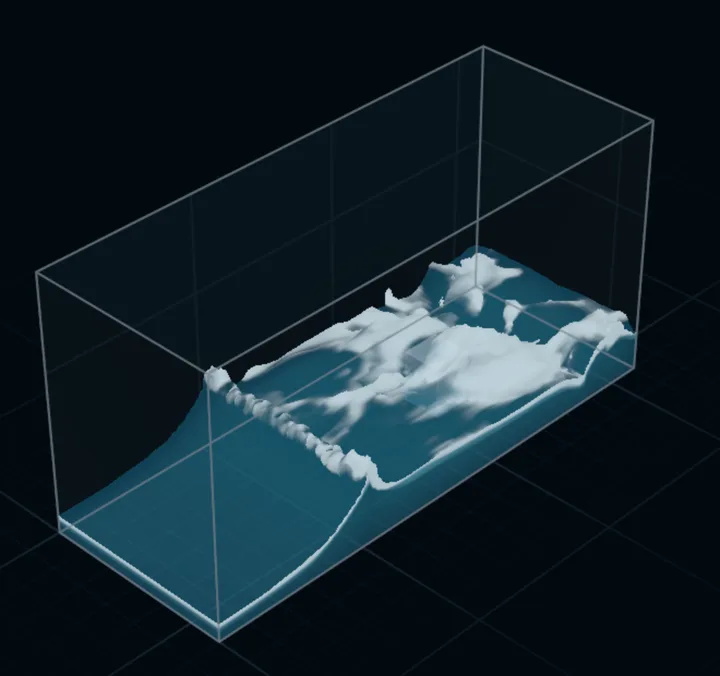
Feel & hear
Water you can feel.
Haptics and sound follow the flow as it surges and hits the walls, then ease to a steady hum once it settles. One tap turns either off. Spray and thin water now look light and lifelike.
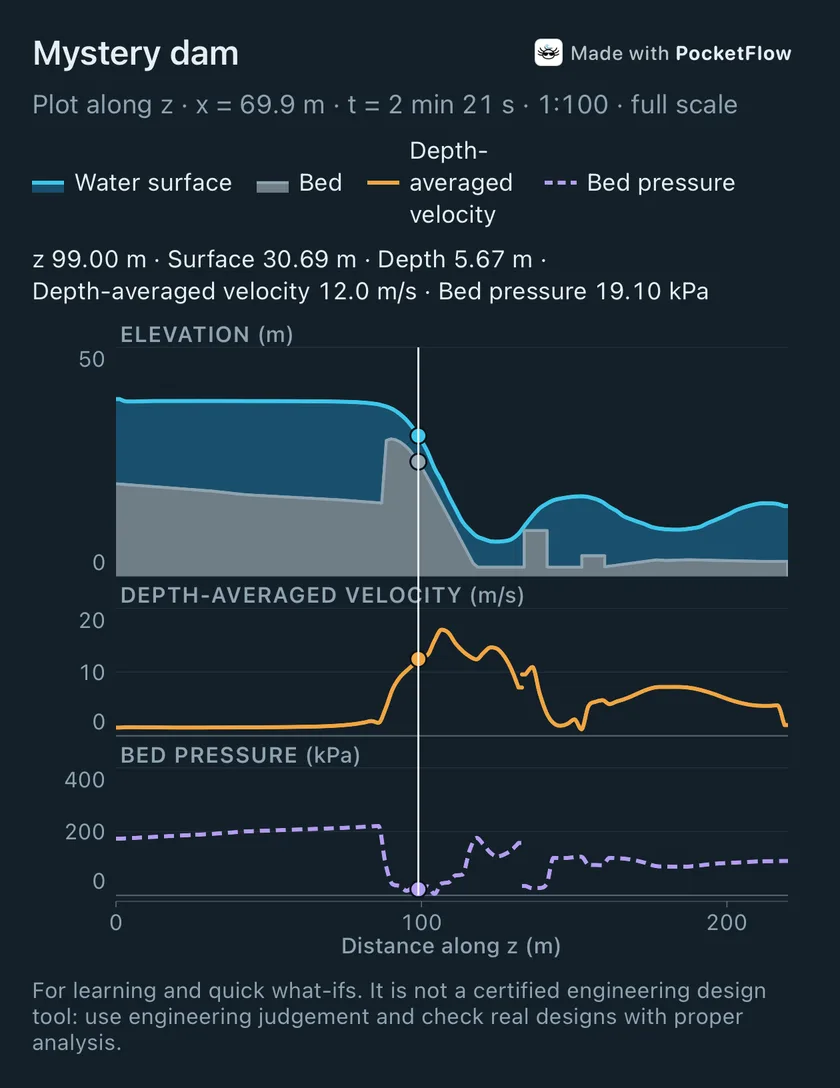
Section Plot
Plot any 3D section.
Water surface, bed, depth-averaged velocity and bed pressure along any upright cut. Drag to read values, then share it as a picture or as data (CSV).
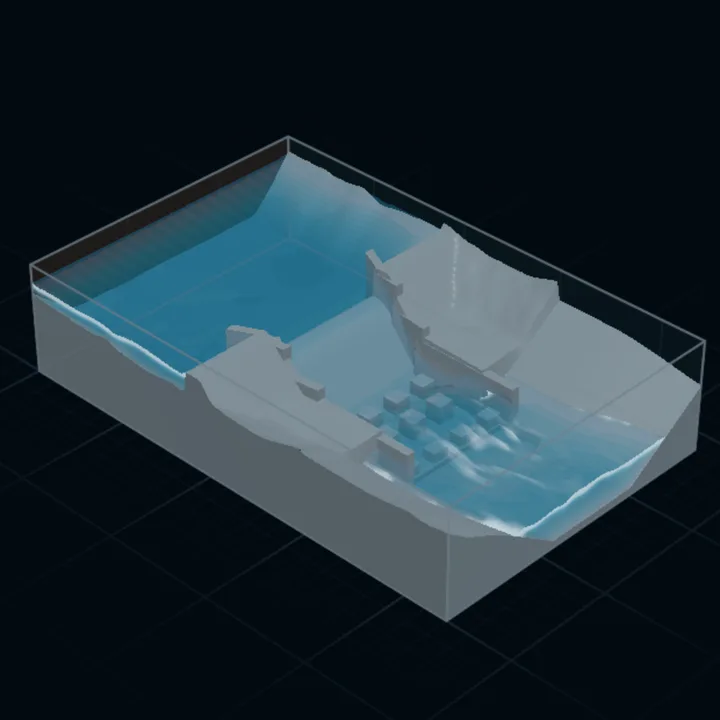
Actual size
Bring it in at real size.
Import a model at Actual size, with its real dimensions and elevations. Too big for the tank? Add and fit tank grows the tank around it.
Flow detail
In Look, choose Smooth, or Swirly for more small eddies and sharper detail (a little slower).
Real-world elevations
Heights, probes and levels read as they are on site, such as 205.00 m, in tanks from 1 cm to 10 km.
Smoother section views
Clean edges on models and water when you cut a 3D scene open.
Made with PocketFlow
Shared pictures and clips carry a small Made with PocketFlow tag.
2D Sketch
Draw it with your finger.
A side view of a tank. Draw solids right in the water and the flow reacts straight away.
- Pen, box and oval, with undo, redo and snap guides.
- Press and hold a solid to duplicate it, cut it out or size it exactly.
- Trace over a photo or drawing, set to true size from a known length.
- Stretch the height or mirror the view for long, flat channels.
3D Build
Build it in 3D.
Add boxes, spheres and cylinders, and the water finds its way around them.
- Slide shapes with an axis lock, size any side and turn them about any axis.
- Type exact numbers when you need them.
- Slice any 3D scene along or across the flow and open the slice in 2D, at full size or as a scale model.
Your own models
Bring your own model.
Import a CAD or 3D-print model (STL) from Build, Files, Mail or AirDrop.
- At Actual size, or at a scale you choose.
- Models move, turn, size, snap and duplicate like any shape.
- They can poke through the walls and floor, and have up to a million triangles.
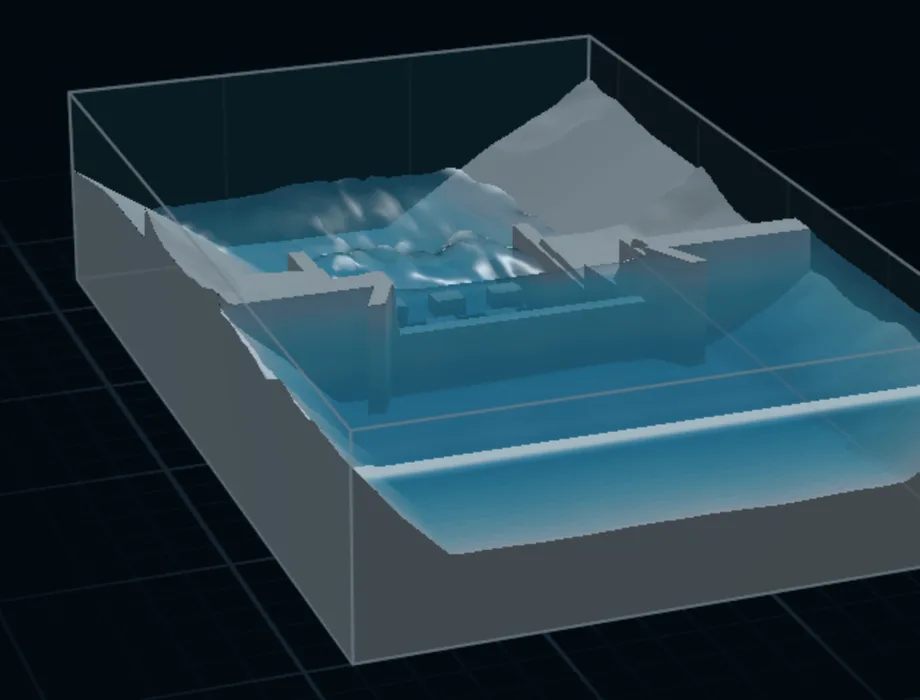
Sides
Set what comes in and goes out.
Make each side of the tank a wall or open, and size the tank by dragging any side.
- Inlets by velocity or by flow rate.
- Hold a side at a water level, with or without inflow.
- Up to eight blocks of starting water, or start empty.
- Live In and Out, with a Filling or Steady cue.
See the flow
See what’s going on.
Watch plain water, or colour it to see what it is doing, then read it point by point.
- Colour by velocity or pressure, with a scale in real units.
- Section view cuts a 3D tank open; Ortho gives true elevations and plans.
- Probe pins with live velocity, depth and Froude number.
- Streamlines, a measure ruler, and tap any solid for its elevation.
Move & read
Move around and read the flow.
The view moves the way you expect, and any point gives you its numbers.
- Drag to orbit, pinch to zoom, two fingers to pan.
- Iso, Front, Top, Side and Ortho views in one tap.
- Tap the water for its values, or a solid for its elevation.
Tilt
Tip your phone. The water follows.
Tap Tilt and tip your iPhone: the water runs to the low side, like a real tank in your hands.
- Works in 2D and in 3D.
- With an inlet or outlet, tilting changes how much water flows through.
- Tilt uses the motion sensor, so it needs a real iPhone.
Full-size numbers
Think full size.
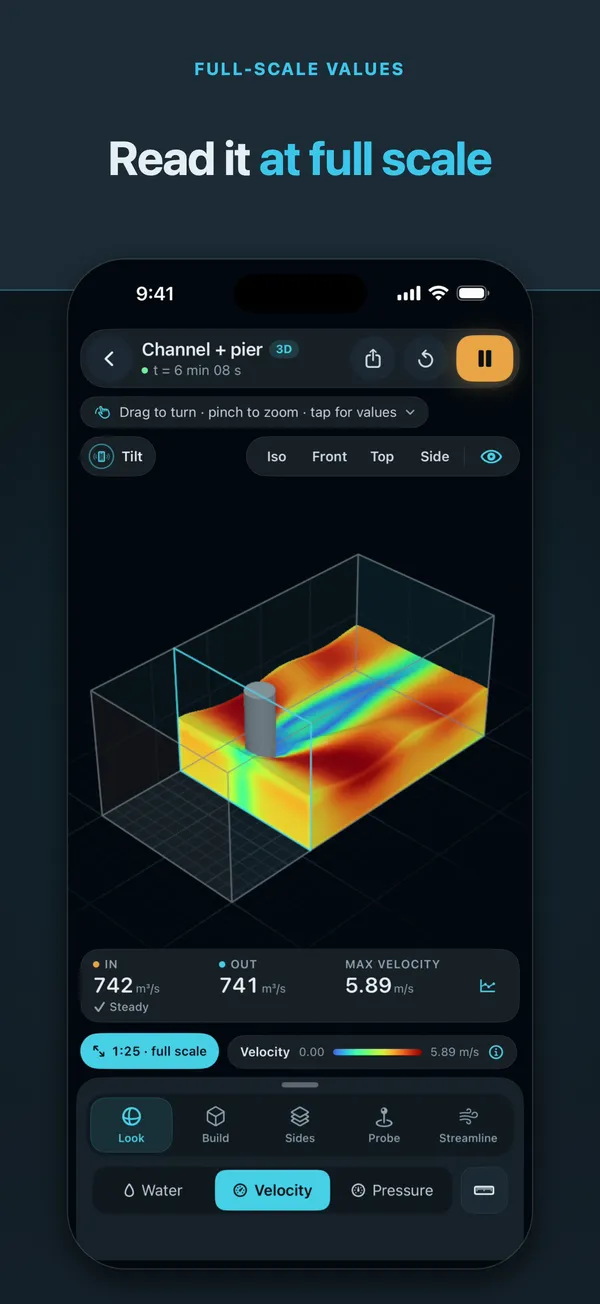
Working with a scale model? Pick a scale such as 1:25 and every number shows at full size.
- Scaled by Froude similarity: gravity-driven flow scales, friction and surface tension don’t.
- Velocities, depths, flow rates and plots all read at prototype size.
Share
Share what you made.
Save or send what the water did, ready for a lesson, a report or a group chat.
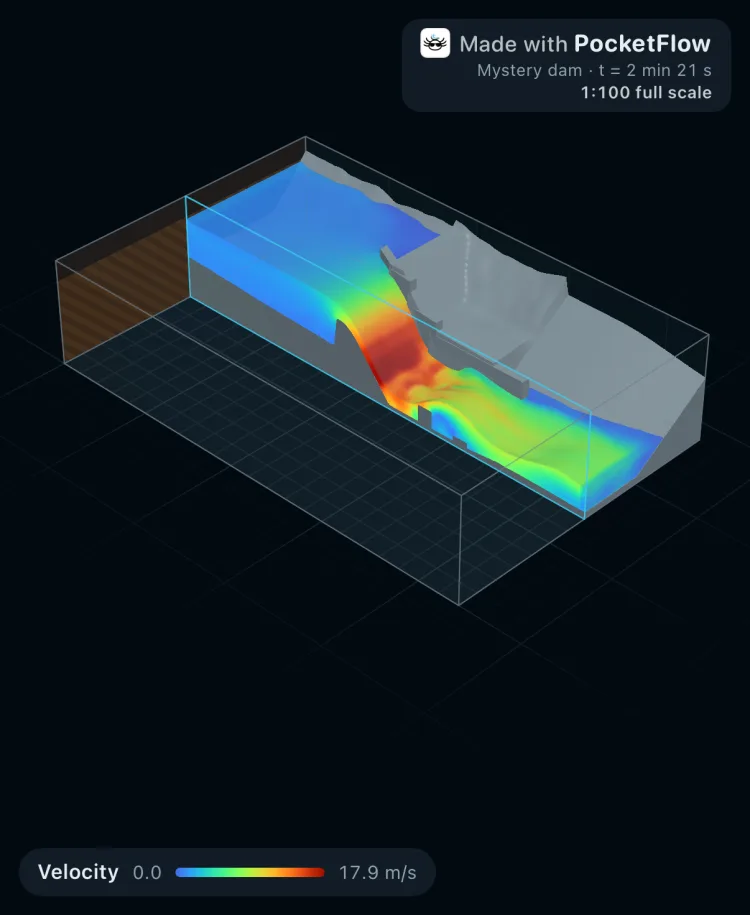
- A photo with the colour scale on it, or a 10-second clip.
- A Section Plot as a picture or as data (CSV).
- Every share carries a small Made with PocketFlow tag.
Templates
Open a template. Press play.
2D templates
- Open channel
- Dam break
- Sluice gate
- Weir
3D templates
- Channel + pier
- Weir
- Dam break
- Labyrinth weir
- Dam & stilling basin
- Mystery dam (1:100)
- Quick startSeven steps that show you where to press.
- Autosave and ContinueScenes save themselves. Pick up where you left off.
- Fast, Balanced, DetailedPresets that trade speed for detail.
Who it’s for
Anyone who wonders where the water goes
Students
Hydraulic jumps, flow under a gate, water over a weir: see them happen, then read velocity, depth and Froude number at any point.
Teachers
Open a template, press play, and the class sees the flow. Share a plot or a clip for later.
Engineers
A quick feel for a flow, on site or in a meeting. Bring in a model at real size and read the numbers at full scale.
Curious people
Build a pier, break a dam, tip your phone. For anyone who likes watching water.
Good to know
Free to try
7 days free, then one purchase unlocks it for good (A$14.99 / US$9.99). No subscription. Bought it before? You’re already unlocked.
Runs offline
Everything runs on your iPhone. Scenes save themselves, and Continue picks up where you left off.
No account, ads or tracking
Nothing you do in the app is collected. See the privacy policy.
Not a certified design tool
Real physics, made for learning, exploring and quick what-ifs. Check real designs with proper engineering analysis.
Real water, in your hands.
Free to try for 7 days. One purchase, no subscription.

From the makers of PocketFlow
Splashlotl: splash water on your axolotl
A free Apple Watch toy. Tilt, flick and shake, and the water splashes.
Need more? PocketFlow Pro, the desktop solver for engineering studies, is at www.pocketflow.com.au
© 2026 PocketFlow Pty Ltd. Distributed by Aqua Axolotl Analytics Pty Ltd under licence.
Apple, the Apple logo and iPhone are trademarks of Apple Inc., registered in the U.S. and other countries. App Store is a service mark of Apple Inc.